AI-powered eyewear try-on
Try on any
glasses instantly
Import frames from any website, scan your face once, and see them on you in seconds. No store visits needed.






AI-powered eyewear try-on
Import frames from any website, scan your face once, and see them on you in seconds. No store visits needed.
How It Works
Your phone, your face, and AI. That's all it takes.
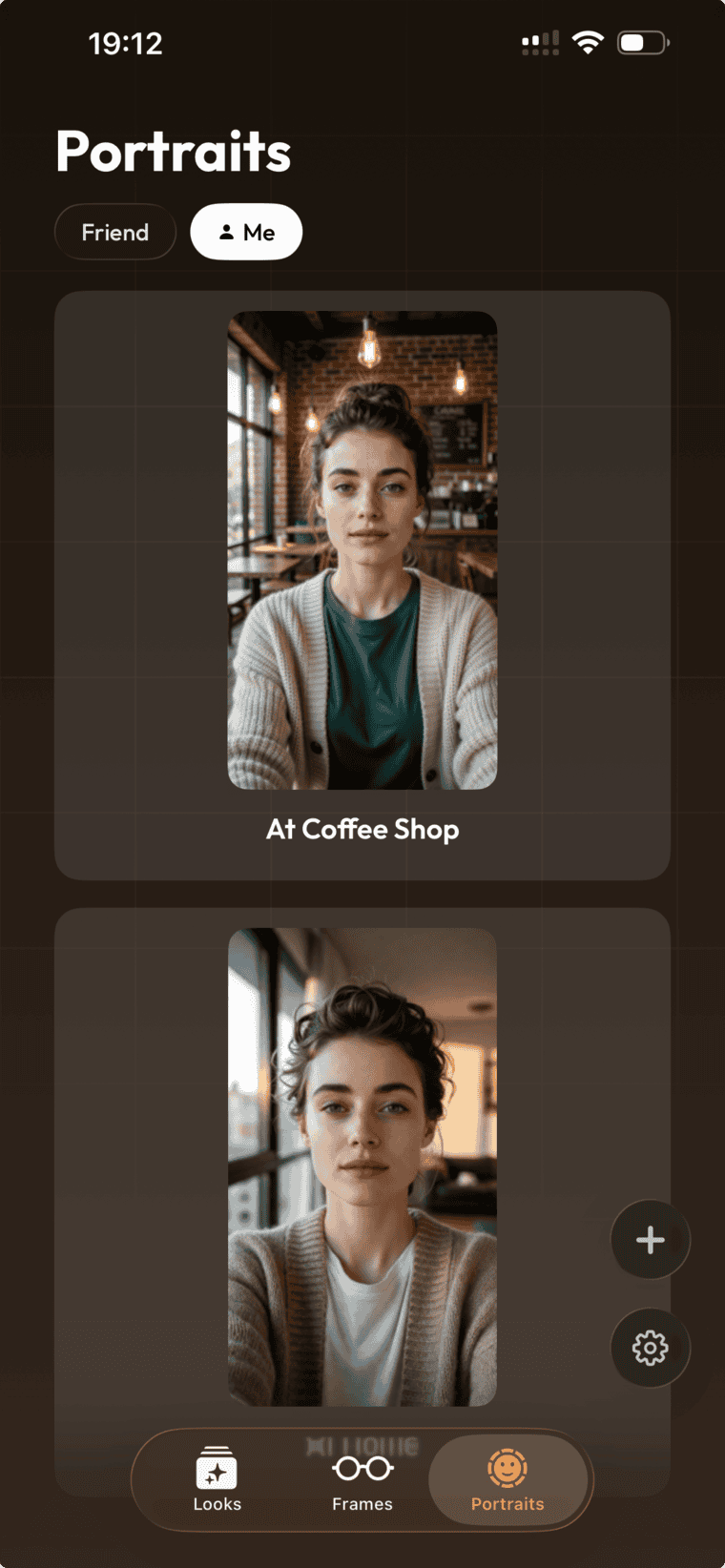
Scan
10-second face scan. Turn slowly left and right. We handle the rest.
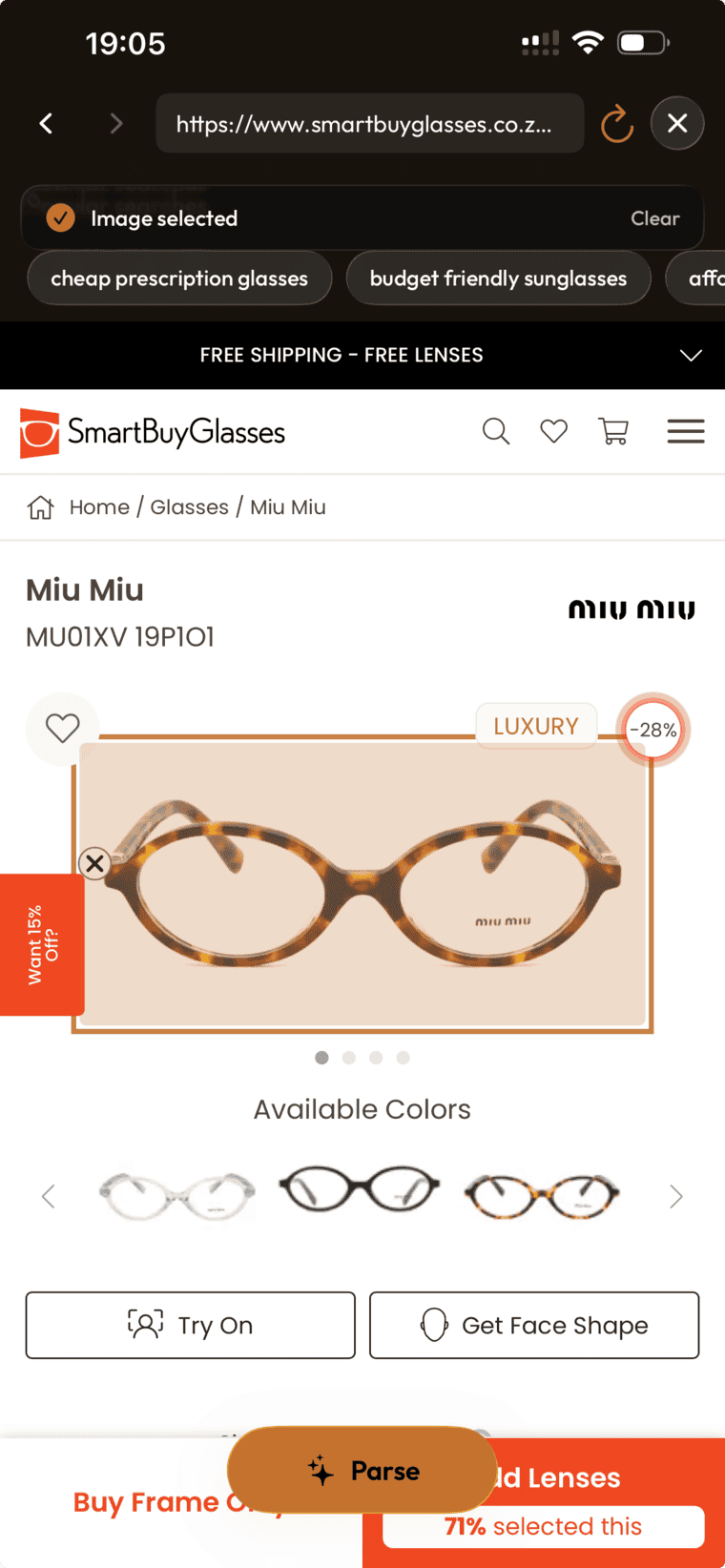
Import
Browse any glasses website. Found a pair? Import with one tap.
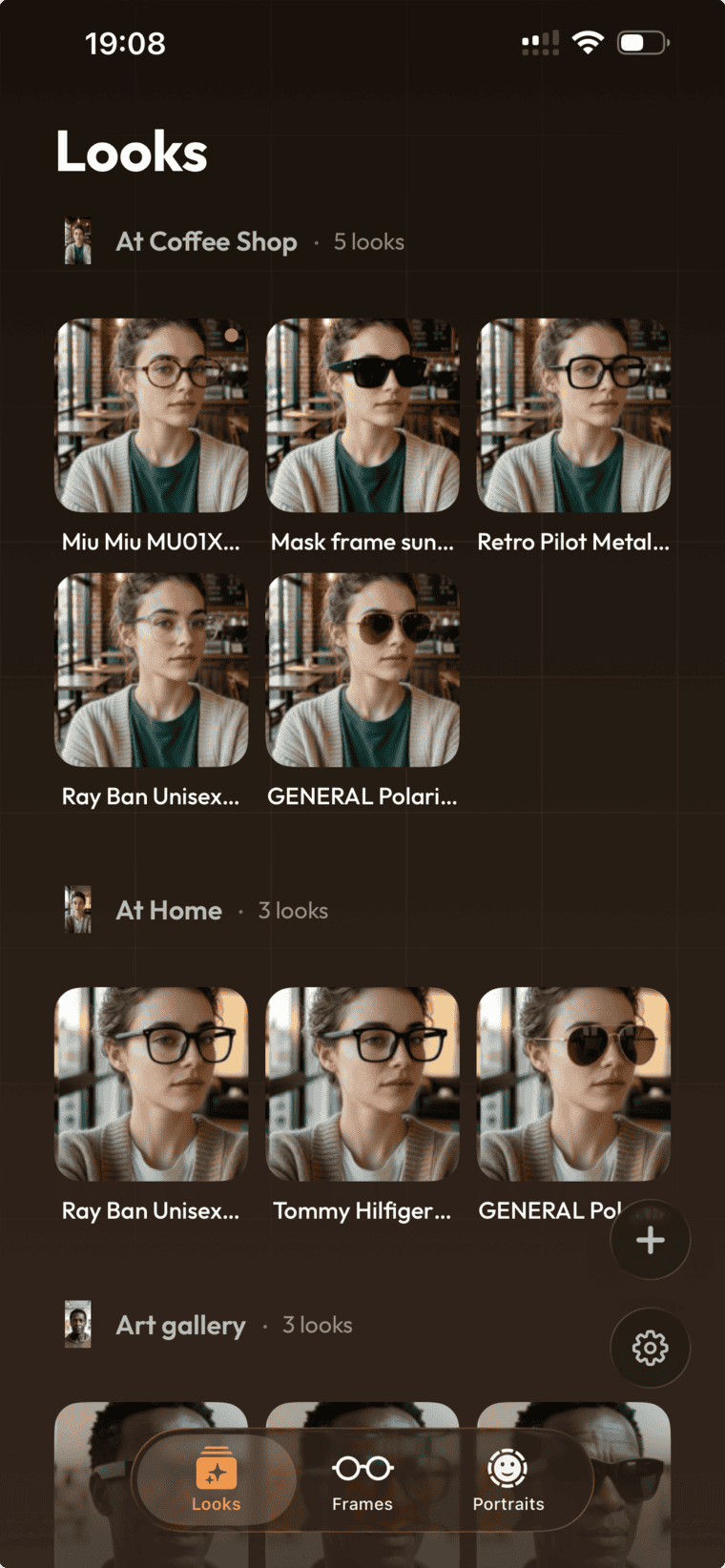
Try on
AI renders a photorealistic try-on in seconds. Compare and decide.
01 — Scan
10-second face scan. Turn slowly left and right. We handle the rest.
Features
AR meets AI that understands your face. Browse any brand, try on any frame.
AI-generated photorealistic renders. See exactly how frames look on your face from multiple angles.
Face shape analysis suggests frames that actually suit you — not just what's trending.
Identifies your face shape — oval, round, square, heart, diamond — for precise matching.
Import frames from any eyewear website. Built-in browser, one-tap import.
Build your collection. Save frames, compare side-by-side, revisit anytime.
Send try-on photos to friends. Get real opinions before you buy.
Privacy
Clear rules. No surprises.
Face shape and measurements are calculated on-device first. Photos are sent only for try-on generation.
Photos sent for try-on are encrypted in transit and auto-deleted after generation.
Remove portraits, frames, or your entire account whenever you want.
Download Frame and try on any glasses in seconds.