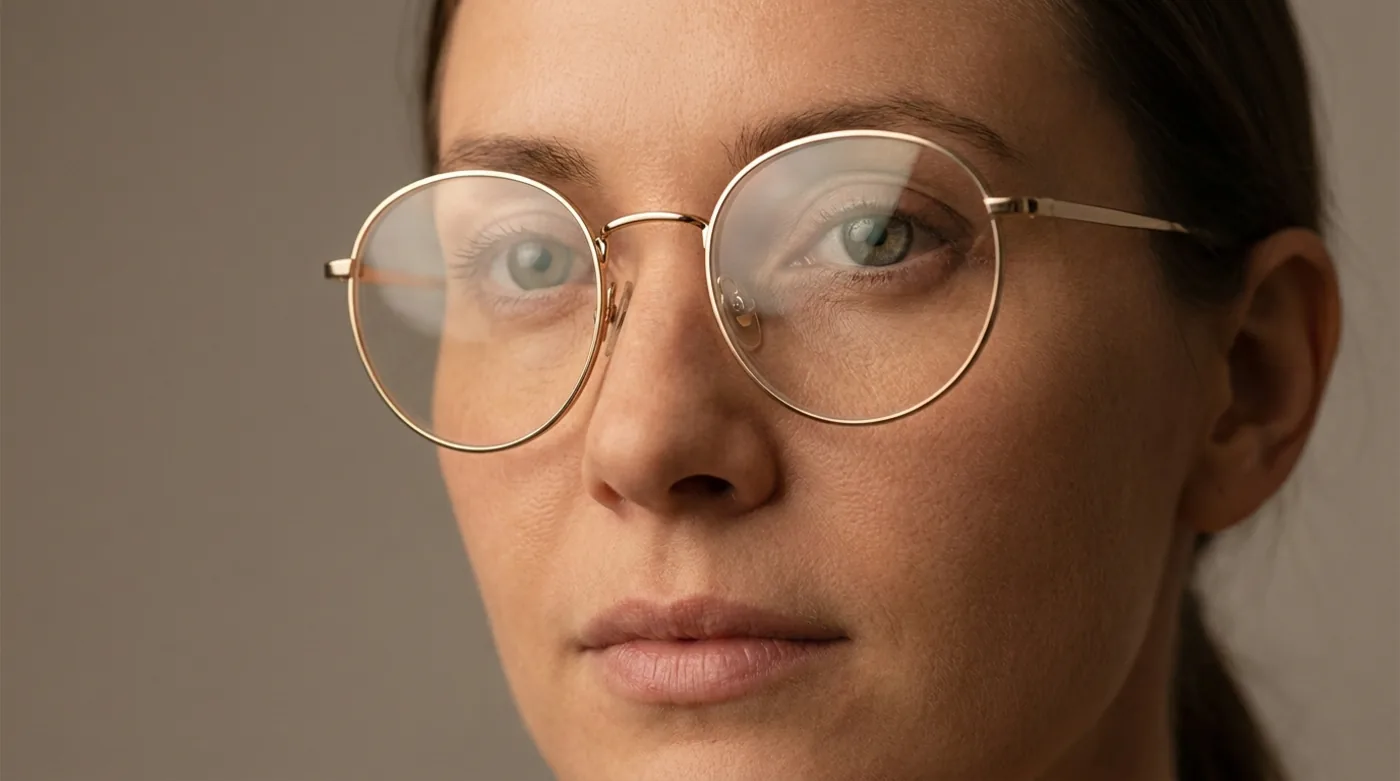
What does "accurate" actually mean in virtual try-on?
Accuracy is a loaded word for a product like this, because "accurate" in try-on isn't one number — it's at least four. We evaluate every rendering pass against these four axes:
- Silhouette accuracy — does the frame outline sit where a real frame would sit on your face, with correct perspective as you turn your head?
- Proportion accuracy — is the frame the correct relative size against your temples, bridge, and pupillary distance?
- Color accuracy — does the rendered color on your screen match the frame you'd receive in a box?
- Fit accuracy — does the way it sits predict how it will feel after four hours of wear?
The first two are a geometry problem. Modern AI solves them well. The third is a color-science problem that depends on your screen, ambient light, and the camera capturing your face — three wildcards that no app fully controls. The fourth is physical and, at least for now, cannot be captured by a camera at all. Treating these as separate dimensions is what lets us give an honest answer instead of a marketing one.
How does virtual try-on work in 2026?
The bar for accuracy has moved up a lot in the last few years, mostly because the iPhone's TrueDepth camera stopped being a niche feature and started being table stakes. Here is what actually happens in a modern 3D try-on pipeline:
Contrast that with the older approach — the one still running on most "try on glasses in your browser" widgets. It detects face landmarks from a 2D photo (eyes, nose tip, mouth corners), then slaps a flat PNG of the frame on top at a guessed scale. No depth. No perspective. If you tilt your head, the frame slides off. That's the technique that gave virtual try-on its gimmick reputation, and it's still the majority of what's out there on retailer websites.
- Flat PNG pasted on face landmarks.
- No depth, no perspective.
- Breaks when you tilt or turn.
- Scale is guessed from eye spacing.
- Real 3D mesh from infrared scan.
- Correct perspective at every angle.
- Lighting and occlusion inferred.
- Scale anchored to measured PD.
Where is virtual try-on most accurate?
After a lot of side-by-sides against the physical frame, these are the areas where we'd tell a user to trust the rendering:
The most important one is the last "soft" category — does this look like me? That's the question VTO was built to answer, and it's the one 2D overlays famously failed. With a 3D mesh, a round face wearing oversized aviators looks like a round face wearing oversized aviators, not like a sticker pasted on a photo. That's the whole ballgame for online shopping.
Where does virtual try-on still miss?
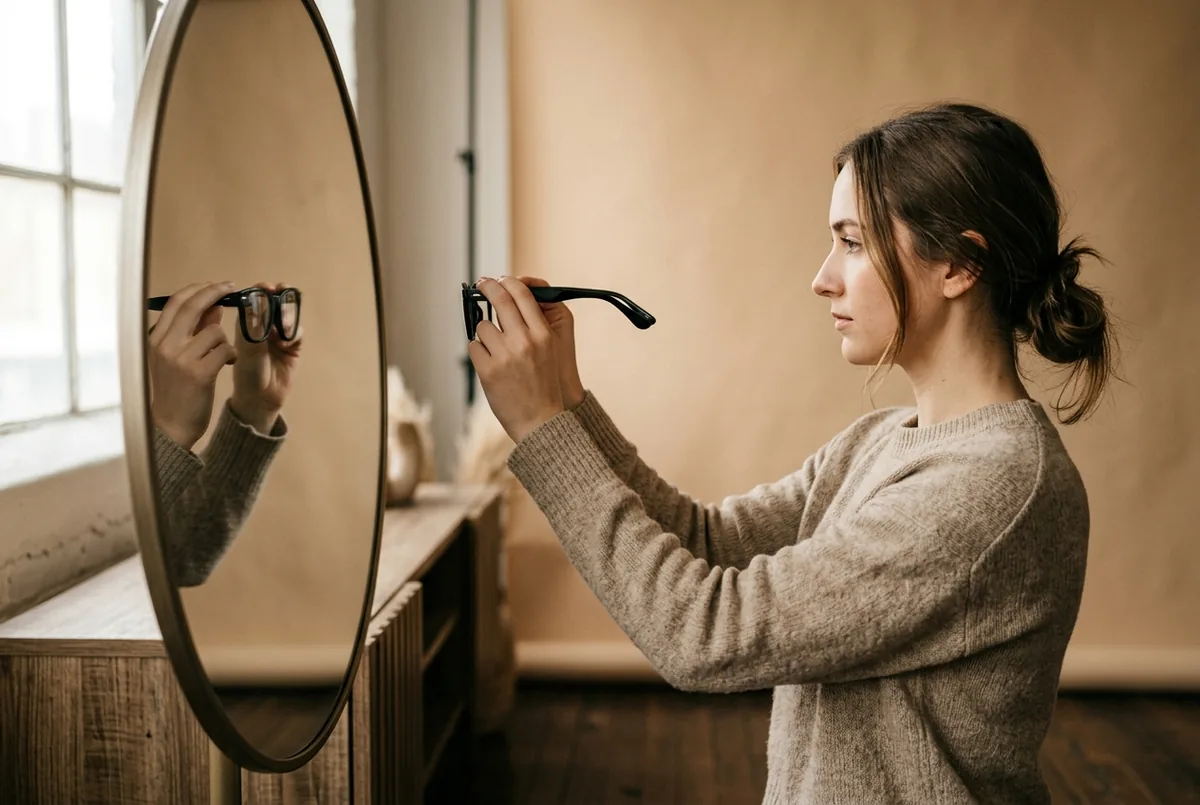
We'd rather be clear about the ceiling than oversell. These are the four places virtual try-on still falls short of a physical try-on, and the honest reasons why:
- Exact color under your room's lighting. The phone camera white-balances your face, then a screen with its own color profile renders the frame. Two layers of color interpretation between the real frame and your eyes. Expect a Honey Tortoise to swing toward cooler or warmer than the product shot — especially under LEDs below 3000K.
- Pantoscopic tilt once worn. The angle a frame leans forward when it sits on your actual ears isn't captured by a front-on scan. Two frames that look identical in try-on can sit at noticeably different angles in real life.
- Nose-pad pressure and temple comfort. Your nose has a shape. So do your ears. AI can render the frame in the correct position, but cannot predict whether the pads pinch after an hour or whether the temples press behind your ears.
- Progressive lens decentration. If you wear progressives, the seg height must be measured with the frame physically on your face. No VTO solves this — not ours, not anyone's.
How do you use virtual try-on well?
We designed our own workflow around the reality above, and we recommend it regardless of which app you use. This is how to get the most out of virtual try-on for glasses without getting surprised:
- Shortlist 5–8 frames — browse across brands, not just one retailer. Tortoise acetate from one brand, titanium wire from another, a weird shape you wouldn't usually consider. Cast a wide net.
- Screenshot each try-on under the same lighting. Ideally near a north-facing window or under neutral 5000K light. Consistency matters more than perfection.
- Compare side by side on a larger screen. Differences that feel subtle on a phone become obvious when you line up four screenshots on an iPad or laptop.
- Cross-reference our face shape guide — the geometry either flatters or fights your face, and VTO makes it easy to see which.
- Do one physical try-on for the winner. A local optician or a home-try-on program. Verify color, comfort, and tilt in person before committing.
One of our reasons for building Frame the way we did: you can import a frame from any website — Warby Parker, Zenni, Ray-Ban, independent opticians, a link a friend texted you. Most retailer try-ons lock you inside their own catalog, which nudges you toward whatever they stock, not toward the best frame for your face. Breadth of comparison is itself a form of accuracy.
See any frame on your face in seconds
Scan once with TrueDepth. Import from any brand. Compare side by side.
Download Frame for iOS